Does Your Wide-Temperature TFT LCD Datasheet Hide the Truth? Storage vs. Operating Temperature
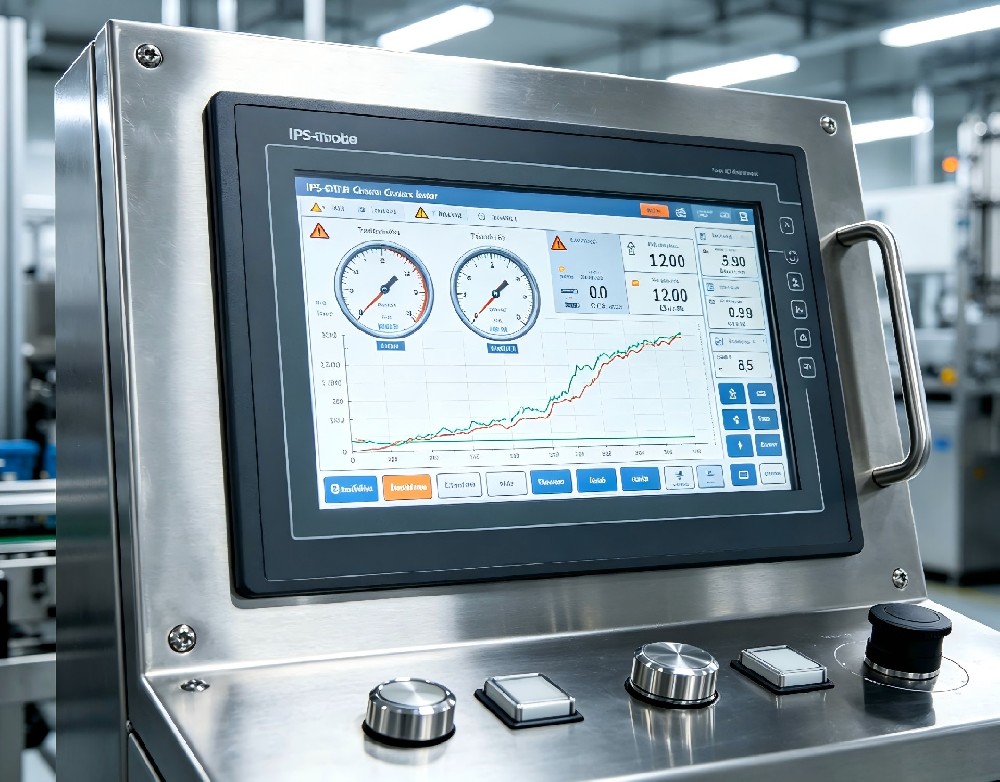
If you are sourcing displays for outdoor EV charging stations, automotive dashboards, or harsh industrial equipment, you know the golden rule: you must use a wide-temperature TFT LCD.
However, one of the most common and costly mistakes we see engineers make is misinterpreting the datasheet. Does a rating of "-40°C to +85°C" guarantee your screen will power on and display a crisp image in a freezing winter?
The short answer is: No. To ensure your next project survives extreme environments, you need to understand the critical difference between storage temperature and operating temperature.
The Illusion of the "Storage Temperature"
When you open a TFT LCD datasheet, look closely at the temperature table. You will usually see two distinct rows:
1. Storage Temperature (e.g., -40°C to +85°C): This means the display can be physically stored in a powered-off state at these extremes without permanent chemical or structural damage.
2. Operating Temperature (e.g., -30°C to +80°C): This is the range where the display can actually be powered on and function.
A -40°C storage rating does not mean the screen will work at -40°C.
Real-World Experience: Hello Lighting recently consulted with a client developing outdoor EV charging piles in Northern Europe. They sourced a display with a "-40°C" rating, assuming it was ready for winter cold starts. When the temperature dropped to -25°C, the screens powered on, but the images were completely black, and the UI was unusable. Why? They were looking at the storage temperature—and even the stated operating temperature didn't tell the whole story. (For a deep dive into how cold affects screen physics, read our previous article on [how temperature affects TFT LCD performance].)
What Actually Happens Inside the LCD at Low Temperatures?
Why do screens struggle in the cold? The core issue lies in the liquid crystal material.
At room temperature, liquid crystals flow easily, allowing them to twist and untwist rapidly to create images. However, as temperatures drop, the viscosity of the liquid crystal increases significantly. Think of it like olive oil in a refrigerator—it becomes thick and sluggish.
If the liquid crystal is too viscous, it cannot respond fast enough to the electrical signals. This results in:
Severe Ghosting: The screen leaves trails of previous images.
Extremely Slow Response Time: It might take hundreds of milliseconds for a pixel to change color, making fast UI transitions impossible.
Total Blackout: If the temperature drops below the liquid crystal's "clearing point," the material may freeze, resulting in a blank screen.
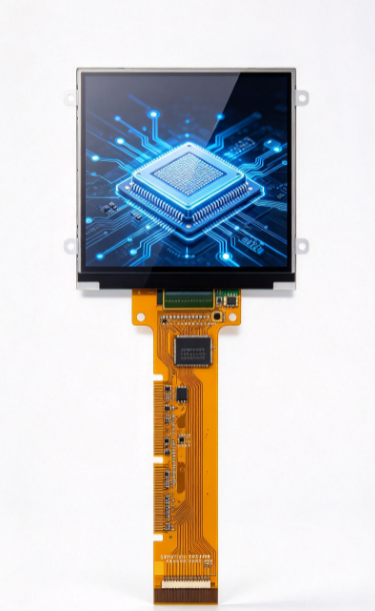
To combat this, a true wide-temperature TFT LCD uses low-viscosity liquid crystal formulations and specialized polarizers. This is exactly why [wide-temperature IPS-TFT LCD displays] are the standard for demanding outdoor applications. They maintain both fast response times and full viewing angles under extreme cold.
The High-Heat Challenge: Backlights and Phase Transitions
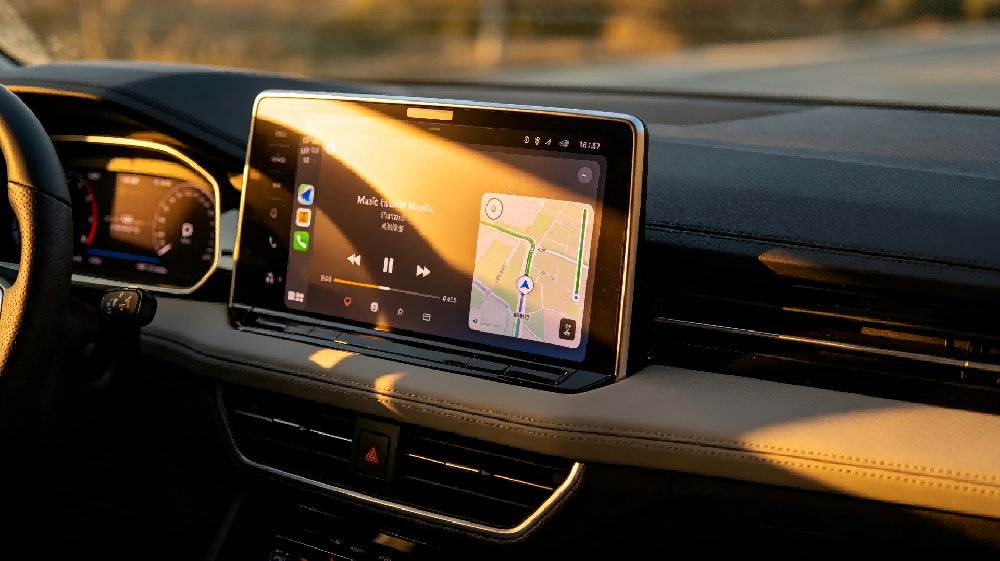
High temperatures present a different set of challenges. In an automotive dashboard baking under the summer sun, internal temperatures can easily exceed 85°C.
At high temperatures, the liquid crystal viscosity drops, which can actually make the response time faster. However, you face two new risks:
1. Contrast Ratio Collapse: If the temperature exceeds the LC's clearing point, the liquid crystal loses its phase and the display turns milky or washed out.
2. LED Backlight Degradation: High temperatures cause the forward voltage of LED backlights to drop. If the constant-current driver isn't designed for wide temperatures, the brightness may spike, leading to accelerated LED aging. Conversely, at extreme cold, the LED forward voltage rises. Without a temperature compensation driver, the backlight brightness may drop by 20% or more, making the screen unreadable in sunlight.
Expert Advice: How to Read a Wide-Temperature TFT LCD Datasheet
At Hello Lighting, we have spent years helping engineers navigate these exact challenges. To ensure you select the right display, follow this checklist:
1. Demand "Powered" Thermal Cycling Reports
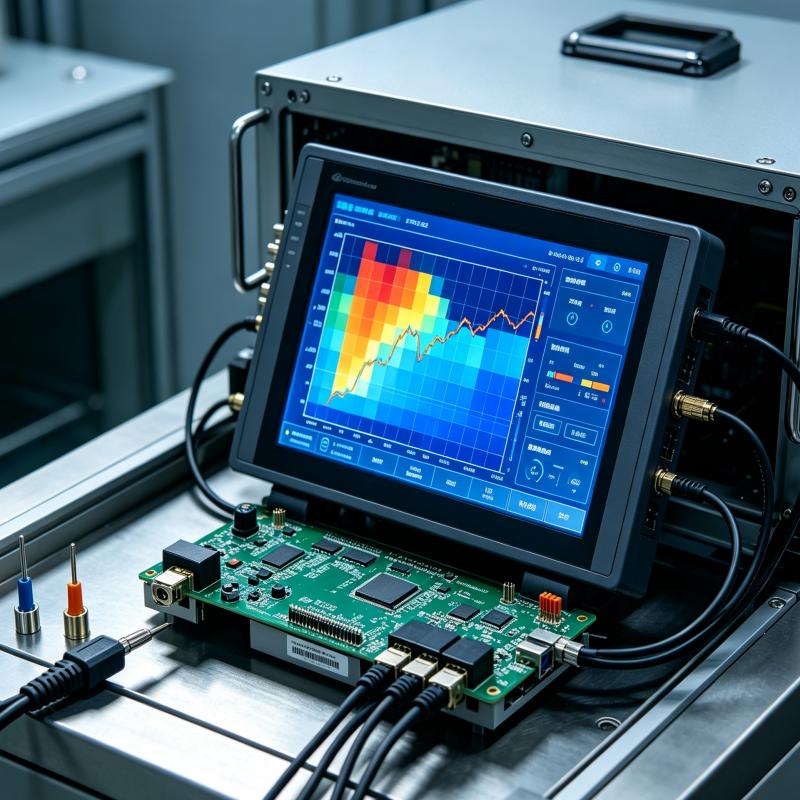
Do not rely solely on the datasheet numbers. Request test reports (like IEC 60068-2-14) that prove the display was cycled through extreme temperatures while powered on.
2. Check the Low-Temperature Response Time
A good datasheet will specify the response time at -30°C. If it's not listed, ask. If the response time at -30°C is more than 3-4 times slower than at 25°C, it may not be suitable for dynamic interfaces.
3. Look for Temperature Compensation Features
Ask the supplier if the backlight driver features automatic temperature compensation. This ensures consistent brightness across the entire operating range.
4. Verify Touch Panel (PCAP) Performance
If your device uses a touchscreen, remember that the touch controller IC and the optical bonding (OCA) also have temperature limits. If your project also faces severe mechanical vibration, ensure you check ruggedized requirements as well.
Conclusion
A wide-temperature TFT LCD is a critical component for outdoor, automotive, and harsh industrial applications. However, "wide temperature" is not a one-size-fits-all badge. By understanding the distinct physics of low-temperature viscosity and high-temperature phase transitions—and by looking past the illusion of the storage temperature—you can ensure your product operates flawlessly, rain or shine.
Need help decoding your display requirements? Contact the engineering team at email sales@hello-lighting.com for a technical consultation and avoid costly prototype failures.